Edit CVs
Editing a CV is really simple:
CV editing GIF
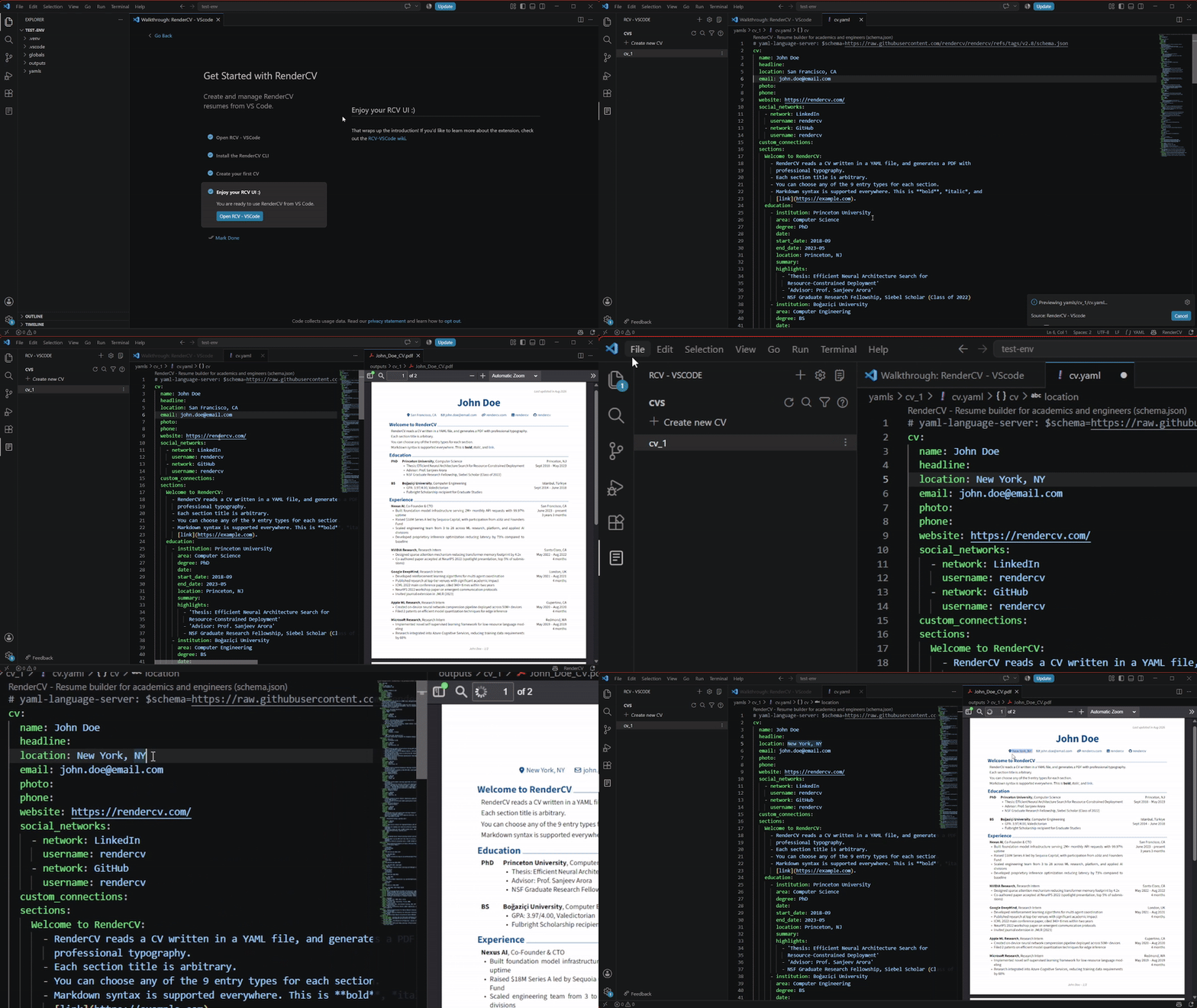
- Click on the RCV-VSCode custom sidebar (paper icon)
- Select the CV that you want to edit (which opens it directly)
- Wait for the PDF to be generated and previewed
- Edit your YAML file to your liking
- Save your file and see your updated PDF (if you have on-save rendering enabled)
info
To see the actual PDF output file that you can upload anywhere, read the next tutorial.