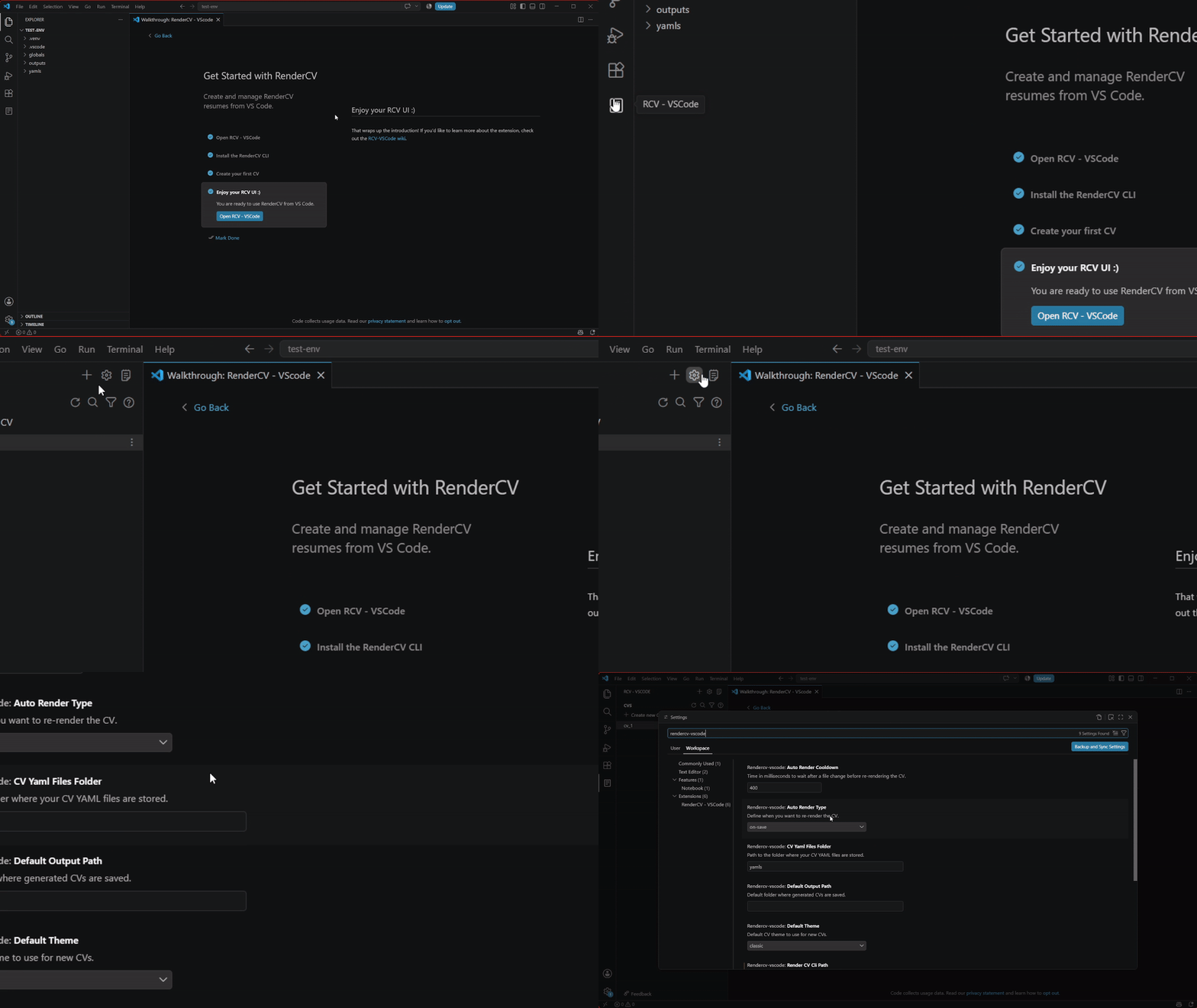
-
rendercv-vscode.autoRenderCooldown: Time (in milliseconds) to wait after a file change before automatically re-rendering the CV. Default: 400.
-
rendercv-vscode.autoRenderType: Controls when the CV is rendered.
auto (temporalily disabled)*: Automatically detect file changes and re-render after the configured cooldown.on-save (default): Re-render only when a file is saved.on-click: Re-render only when the preview button is clicked.
-
rendercv-vscode.defaultOutputPath: Default folder where generated CVs are saved. Leave empty to use the RenderCV default.
-
rendercv-vscode.defaultTheme: Default theme to use when creating new CVs. Available options:
classic (default)moderncvsb2nov
-
rendercv-vscode.renderCVCliPath: Path to the RenderCV CLI executable. If RenderCV is installed globally, this can be left empty. The setup wizard will attempt to detect installations from global, virtual environment, or uv setups automatically.
-
rendercv-vscode.CVYamlFilesFolder: Folder containing your RenderCV YAML files. Default: yamls.