Clone CVs
Cloning a CV is just as simple as creating a CV:
CV cloning GIF
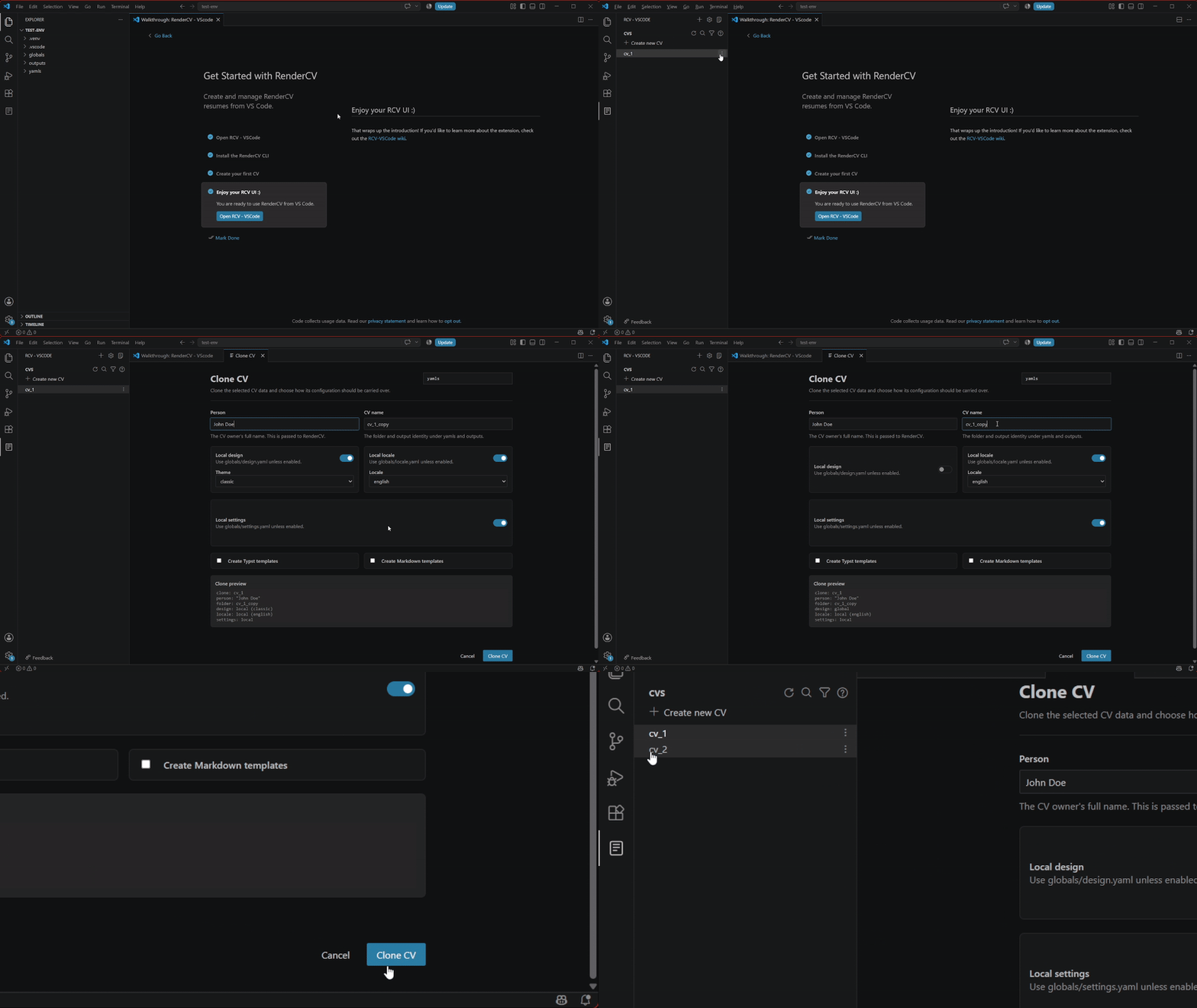
- Open the RCV-VSCode side bar
- Right click the CV you want to clone (or click the 3 vertical dots on the right of any CV)
- Select "Clone CV"
- A new window comes up, similar to the CV creation window, inheriting the configurations from the cloned CV
- Change whatever you want to change (or not, but at least use a new CV name)
- Scroll down and click on the blue "Clone CV" button